
All cases Case 01 — product startup
No-Code Builder at Product startup
See the live productNo-Code Builder is a tool within the Qonversion platform that lets teams assemble and publish paywalls, onboardings, and other subscription-related screens without developers.
While I was working on this product, two more important parts of the project came out of it: a design system and an onboarding. So in this case I tell their stories separately as well.
- 26+ user flows in a year: screen structure, states and variants in a product with complex logic
- A design system and a component library — built, grown and design-QA'd against what shipped
- ~3 weeks for the product redesign in my third month, light and dark themes at once; in the first two months the volume of ready mock-ups roughly tripled
- Role
- Product designer — lead interface designer on the product
- Team
- Head of Product, dev lead, CEO, frontend engineers
- Timeline
- Redesign delivered in ~3 weeks, then a year of feature flows
- Deliverables
- Editor redesign in light and dark, the builder's own UI kit, template gallery, multi-page editing, payments, AI image generation
- Result
- 26+ flows shipped within a year

Chapter 01
The builder redesign
The mockups I was given at the start, and what I managed to change in two months of flow work and three weeks of redesign.
When I joined the project the builder was practically at the starting line: a first version existed, but the flows were barely worked out and the interface itself looked raw and needed a full rebuild.
So instead of refreshing the look of the existing editor I rebuilt it entirely. I worked out the screen structure and the flows separately, then carried all of it into a new visual system. The light and dark themes were developed in parallel, so every component and its states were aligned in both variants at once and required no extra decisions from engineering.
The redesign itself took about three weeks.
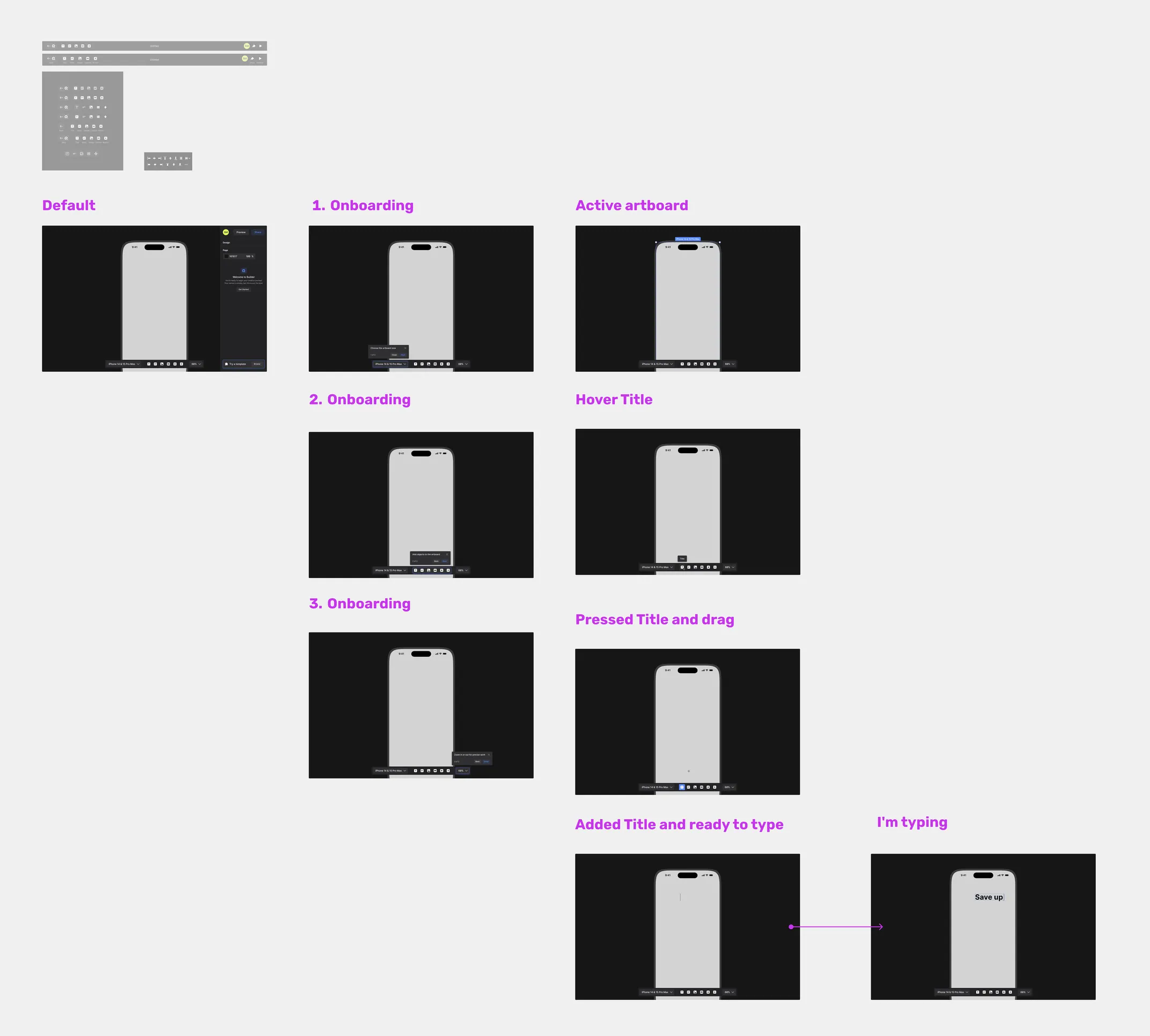
I joined the team in mid-November and had about eleven flows done by early January. That was the first job — not to focus on the visual side, but to unblock the engineers as fast as possible.

A small piece of research before the redesign
There was little time, so the approach was simplified but pragmatic: I went through competing products — interface structure, UX patterns, what features were reachable, pulled out the best practices and adapted the ones that worked to our builder.

Before and after the redesign
The same editor workspace: the 2024 version I inherited and the 2025 redesign.
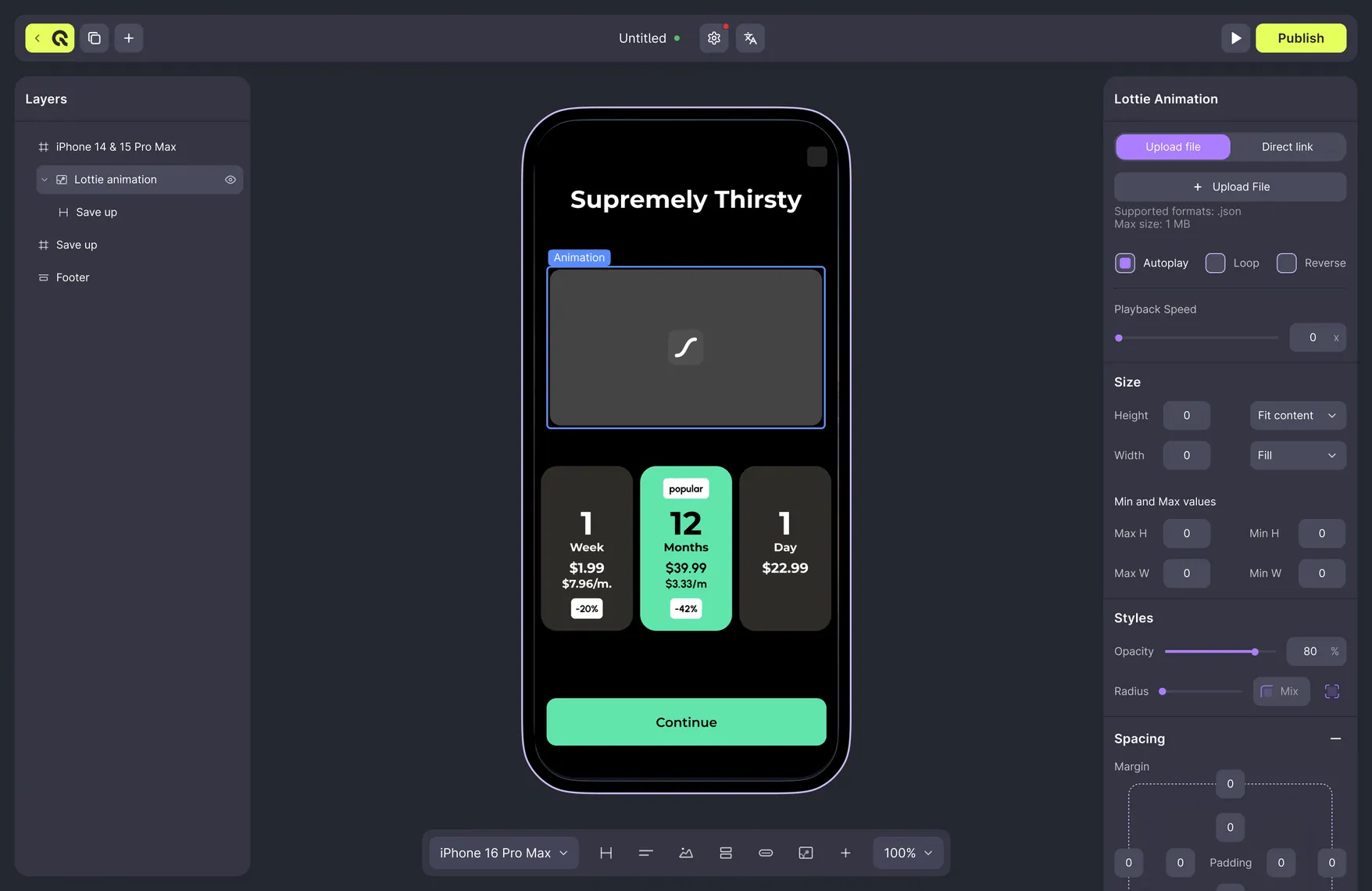
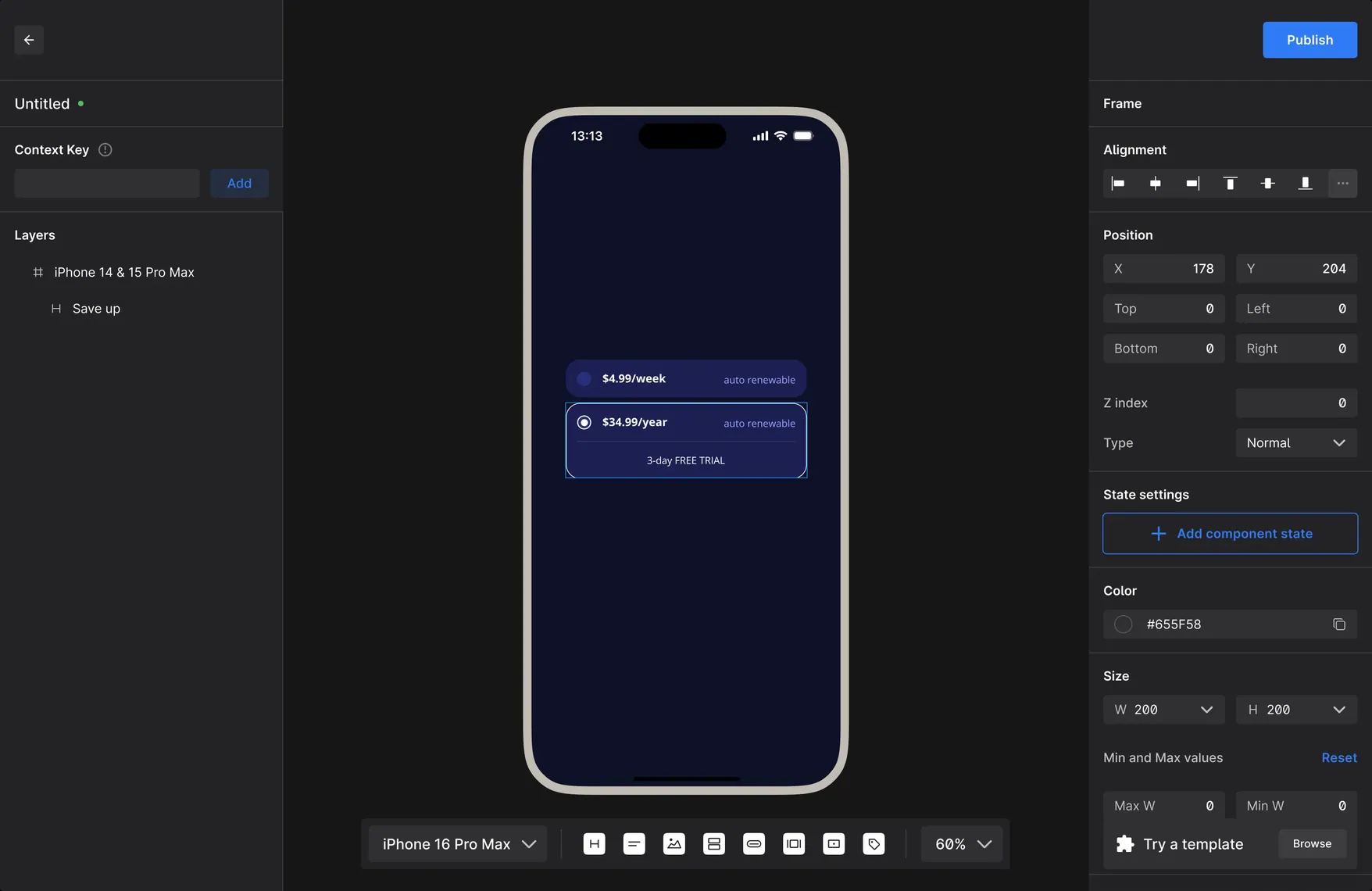
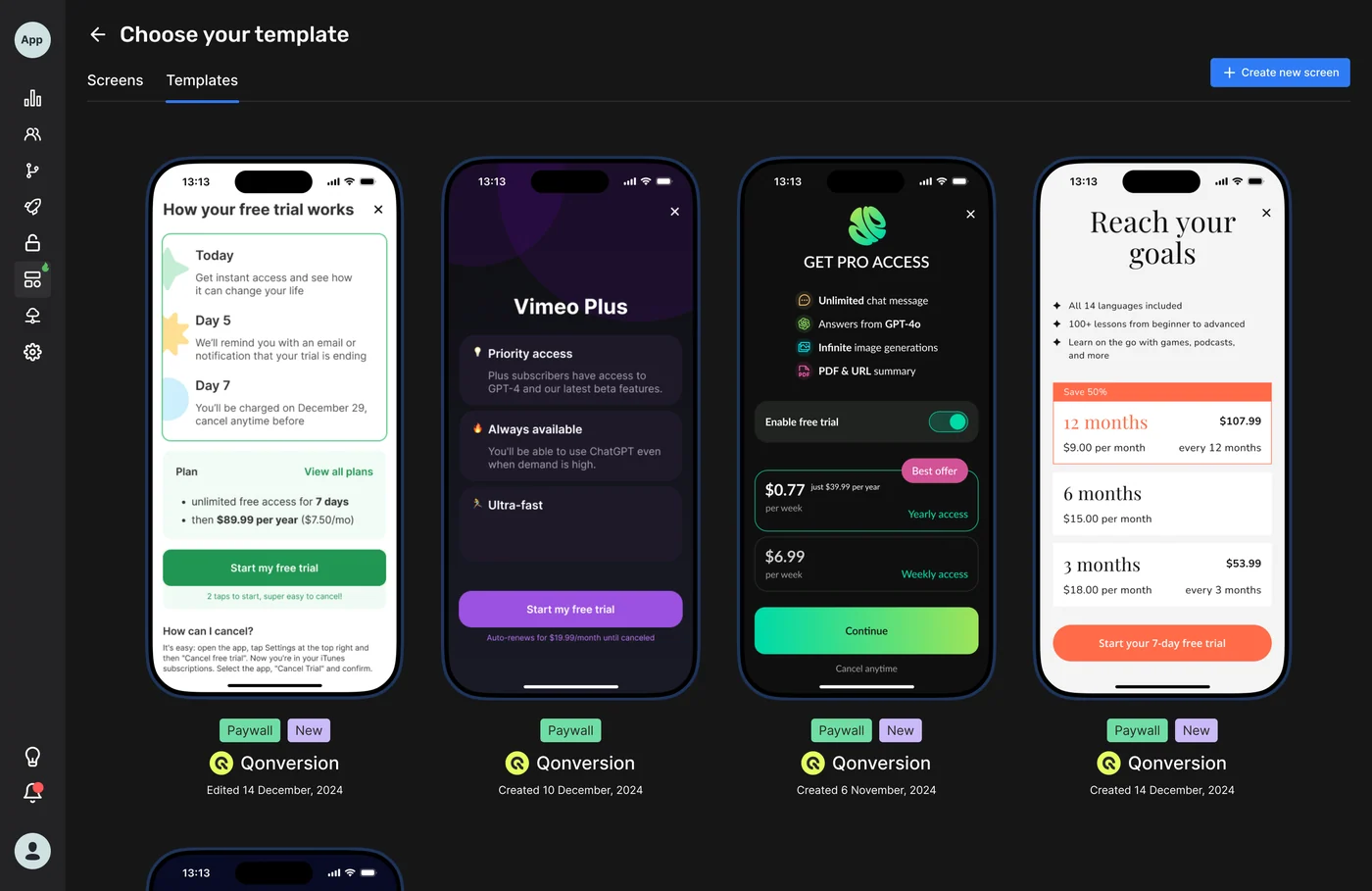
Besides the Builder I also worked on the Dashboard pages; some of them are shown below.
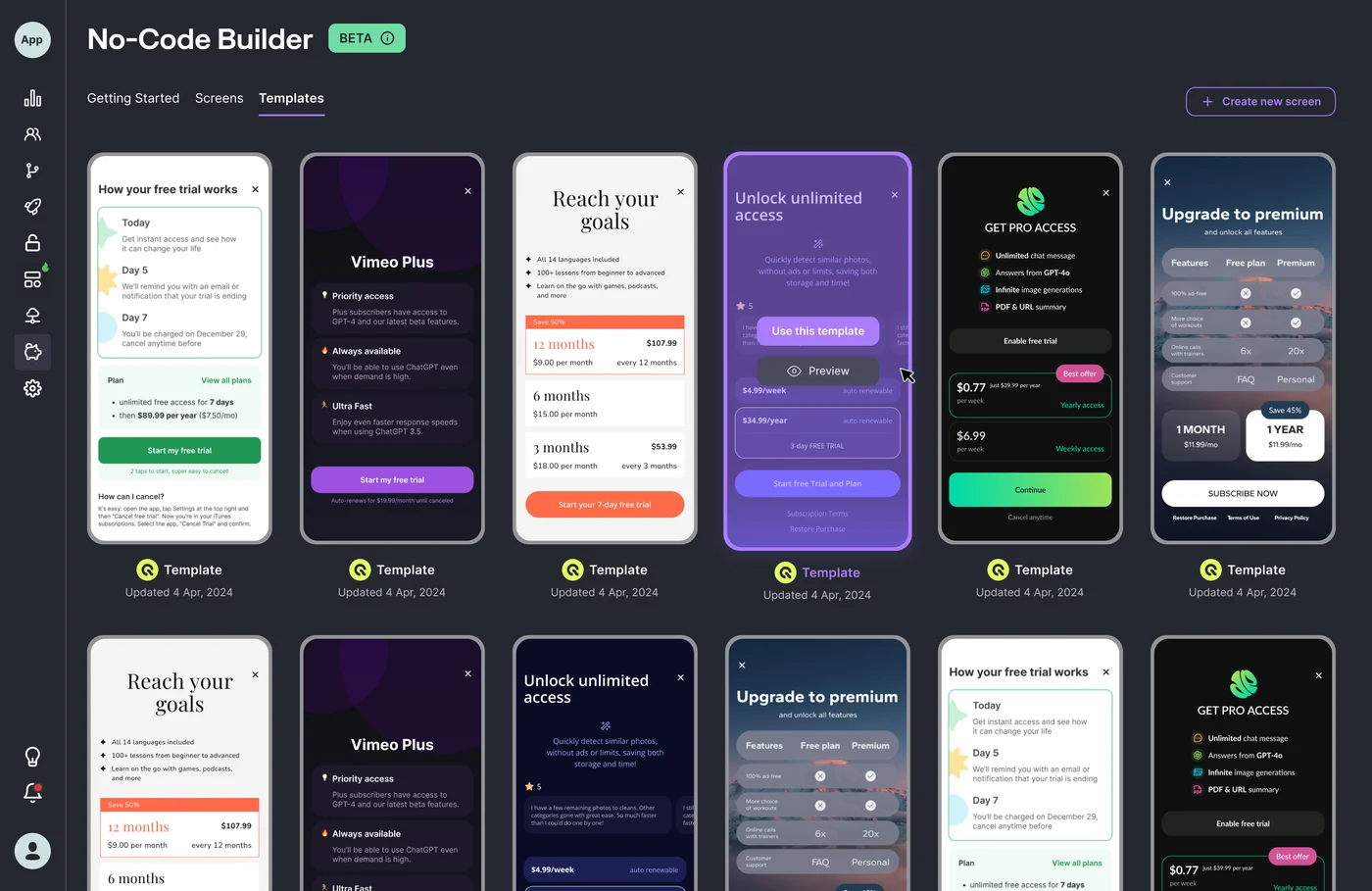
The features that went through design
More than twenty-six flows went through design over the year. Some of them:
- Assets section — the place that gathers all the components available for layouts: buttons, fields, cards, icons and other interface elements.
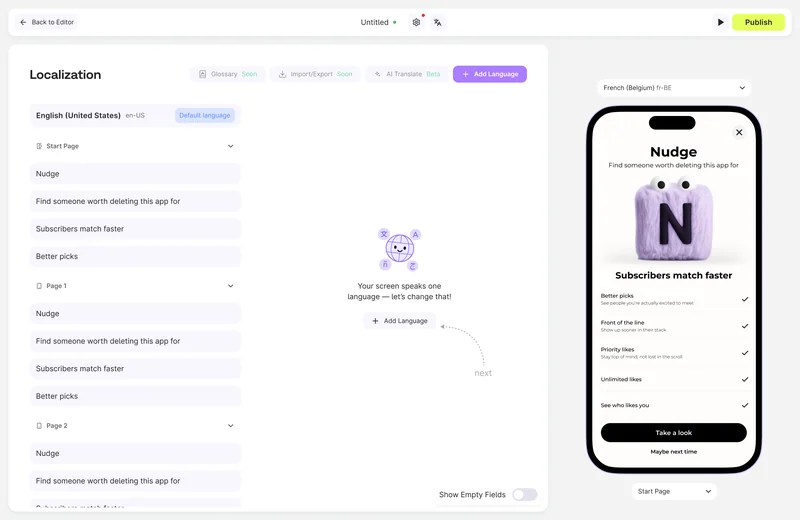
- Localisation — setting up different languages for one layout without a copy of the file.
- Builder settings — global settings that affect the products connected to a layout.
- Image generation — users get paywall artwork from a prompt, and the builder keeps a prompt history so a good result can be found again.

Interactive prototypes
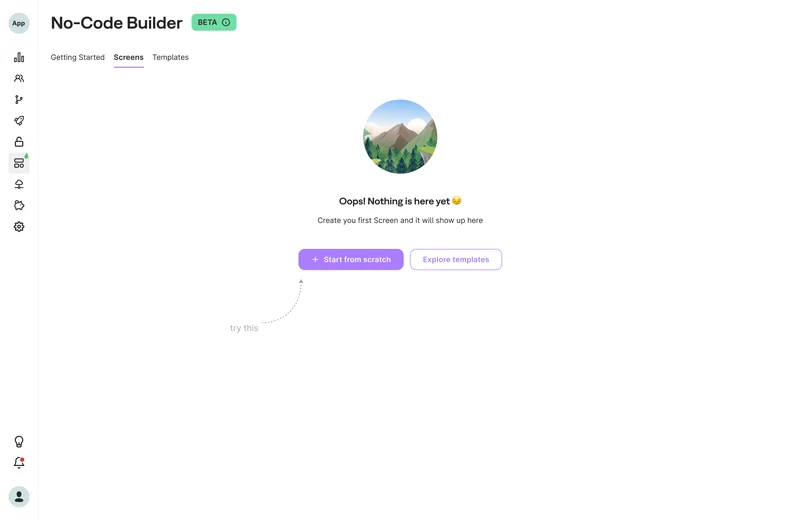
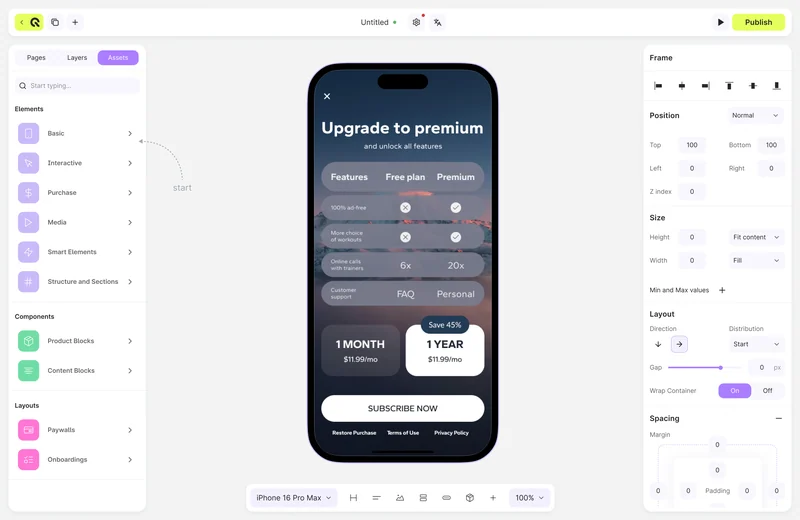
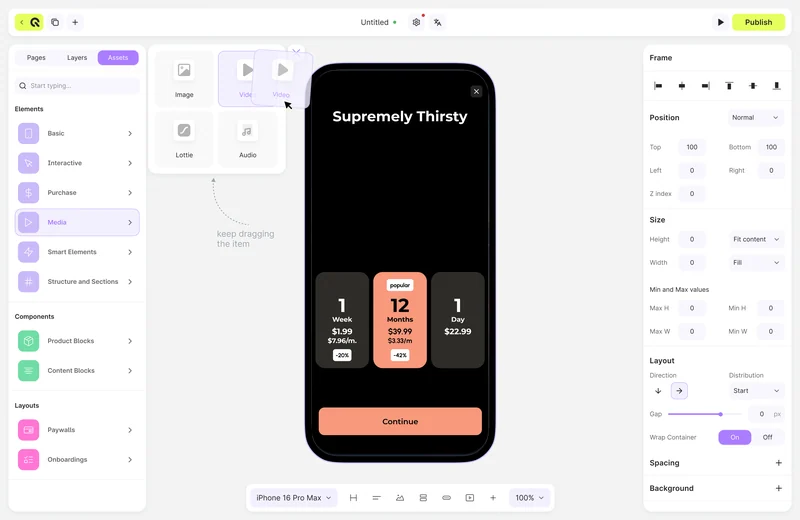
Who I worked with
- Head of Product — design reviews, marketing analytics behind the decisions
- Dev lead and frontend engineers — brainstorming how features would be built, weighing the better option
- CEO — brought in feature ideas
Chapter 02
The design system
The library the builder and the rest of the product are built from: semantic tokens, components in two themes.
- Storybook — the library implemented by the engineering team
- Dated changelog pages — the system was maintained, not shipped once
The core of the system is colour, and it is stored not as a palette but as semantic tokens: Background, Surface, Content, Border, Action. Every token carries two values, one for the light theme and one for the dark, so a component references the token and the system switches the theme.

The components are where the palette becomes visible. A button, for example, never gets a specific colour directly — it uses the Action token, and the values for initial, hover, pressed and disabled are set in the system itself. So one and the same component works correctly in both themes; only the token values change.

The typekit

The Qonversion design system

A system that stayed alive
When the engineering team later moved to shadcn/ui, the system already had its vocabulary of tokens and components. The move turned out to be a migration rather than a restart.
Chapter 03
Onboarding for the builder
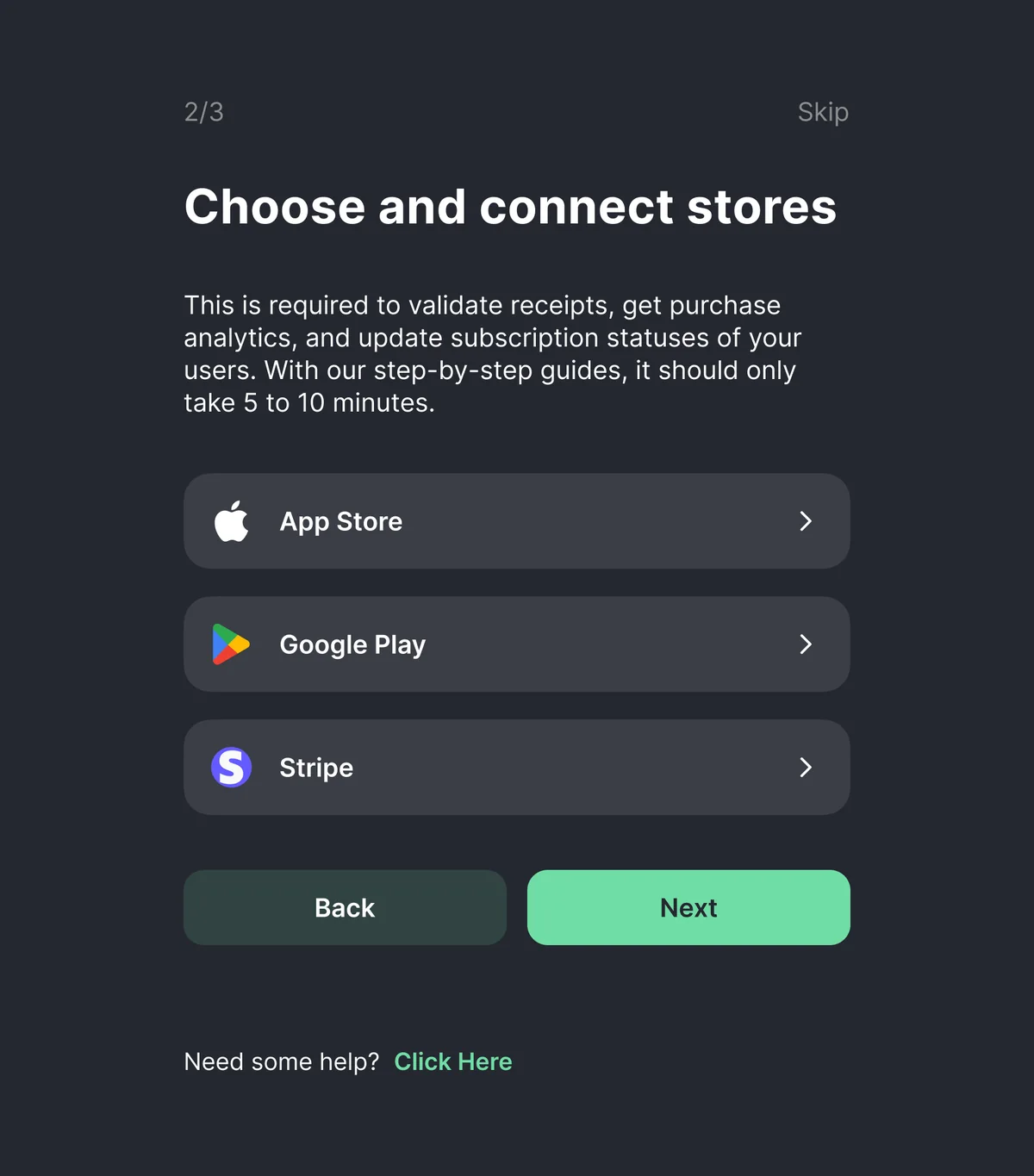
Onboarding in this project is the path from the first sign-up to a fully set-up No-Code Builder. Along the way the user has to create an account, connect their app and install the SDK to start using the product.
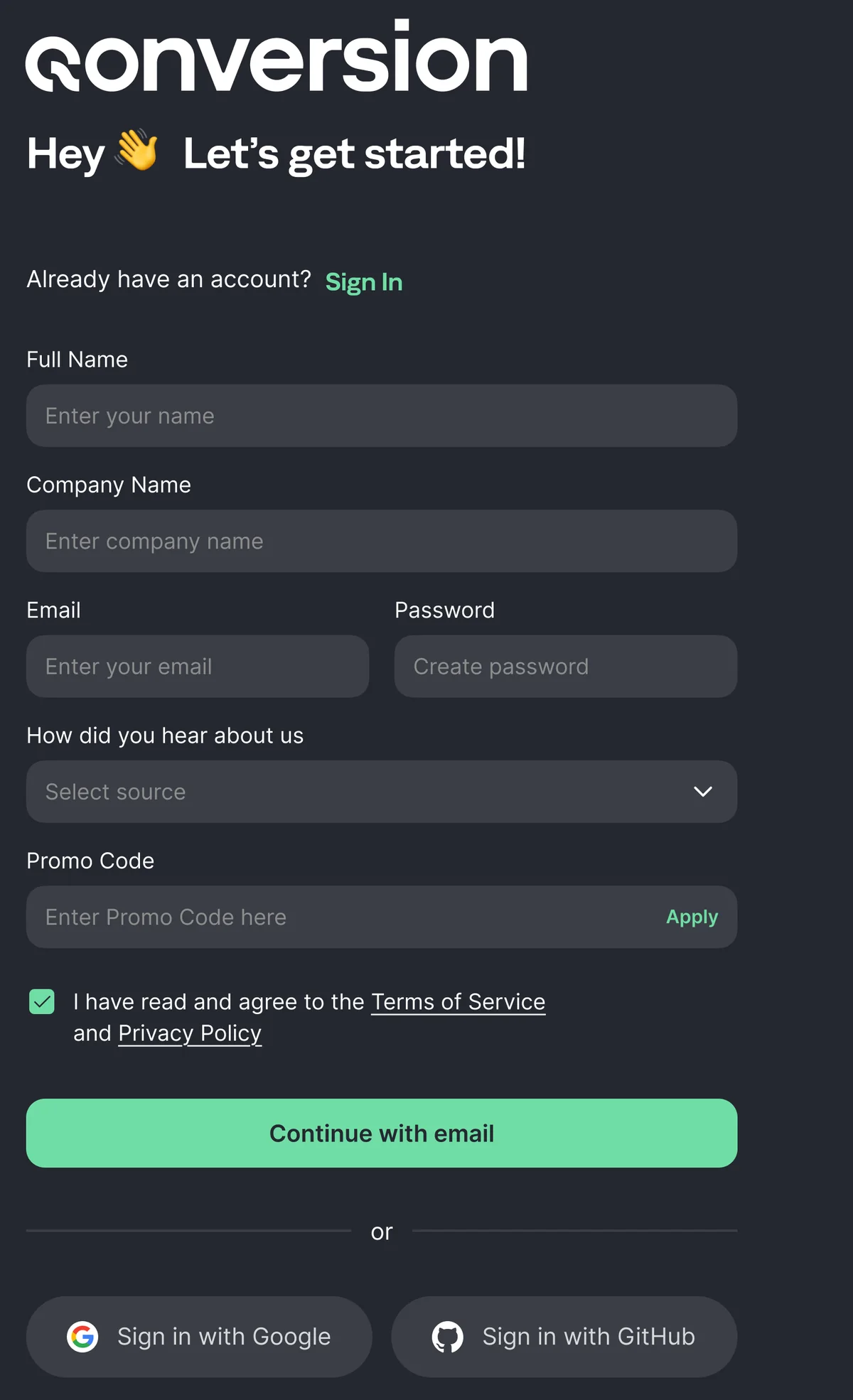
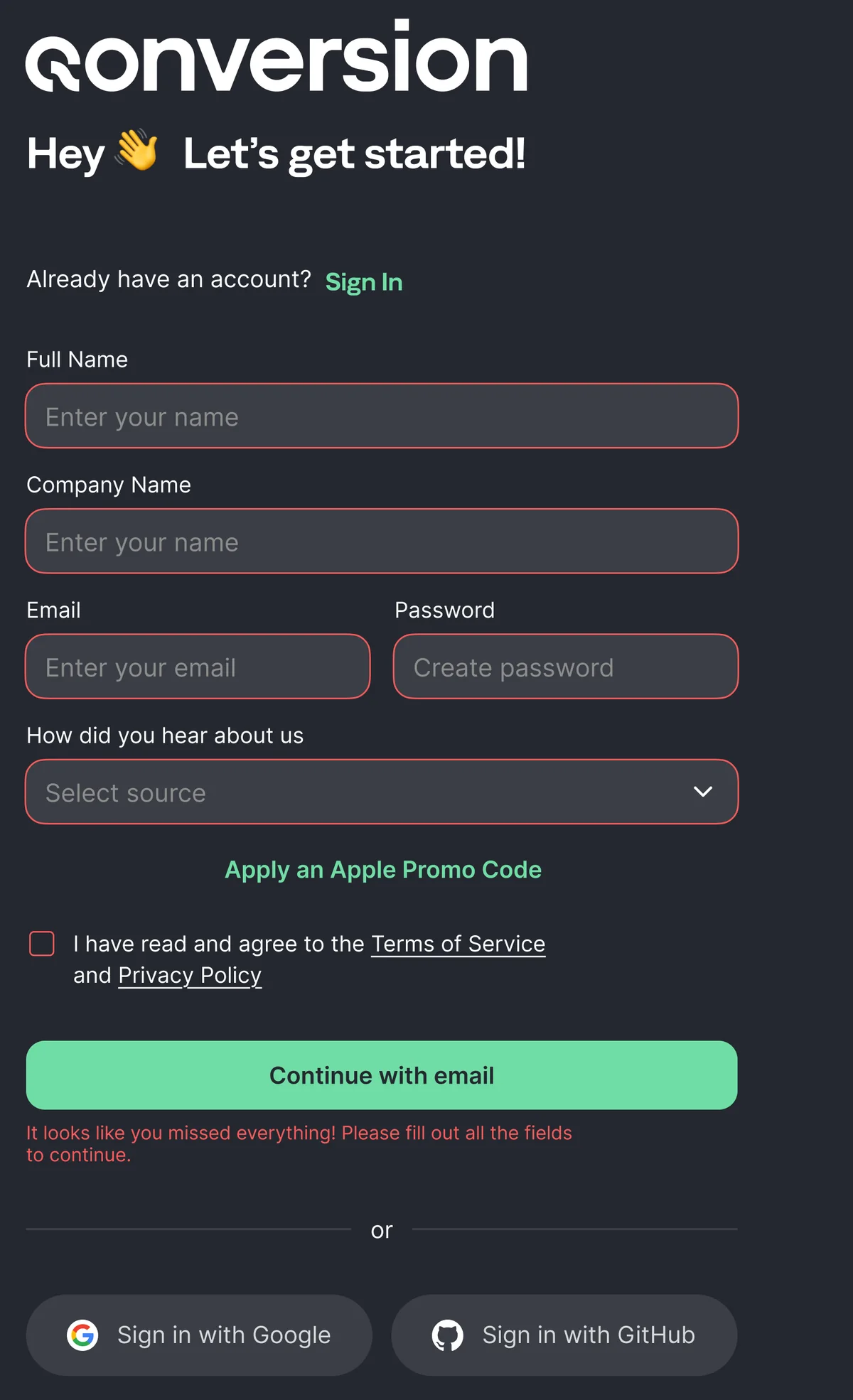
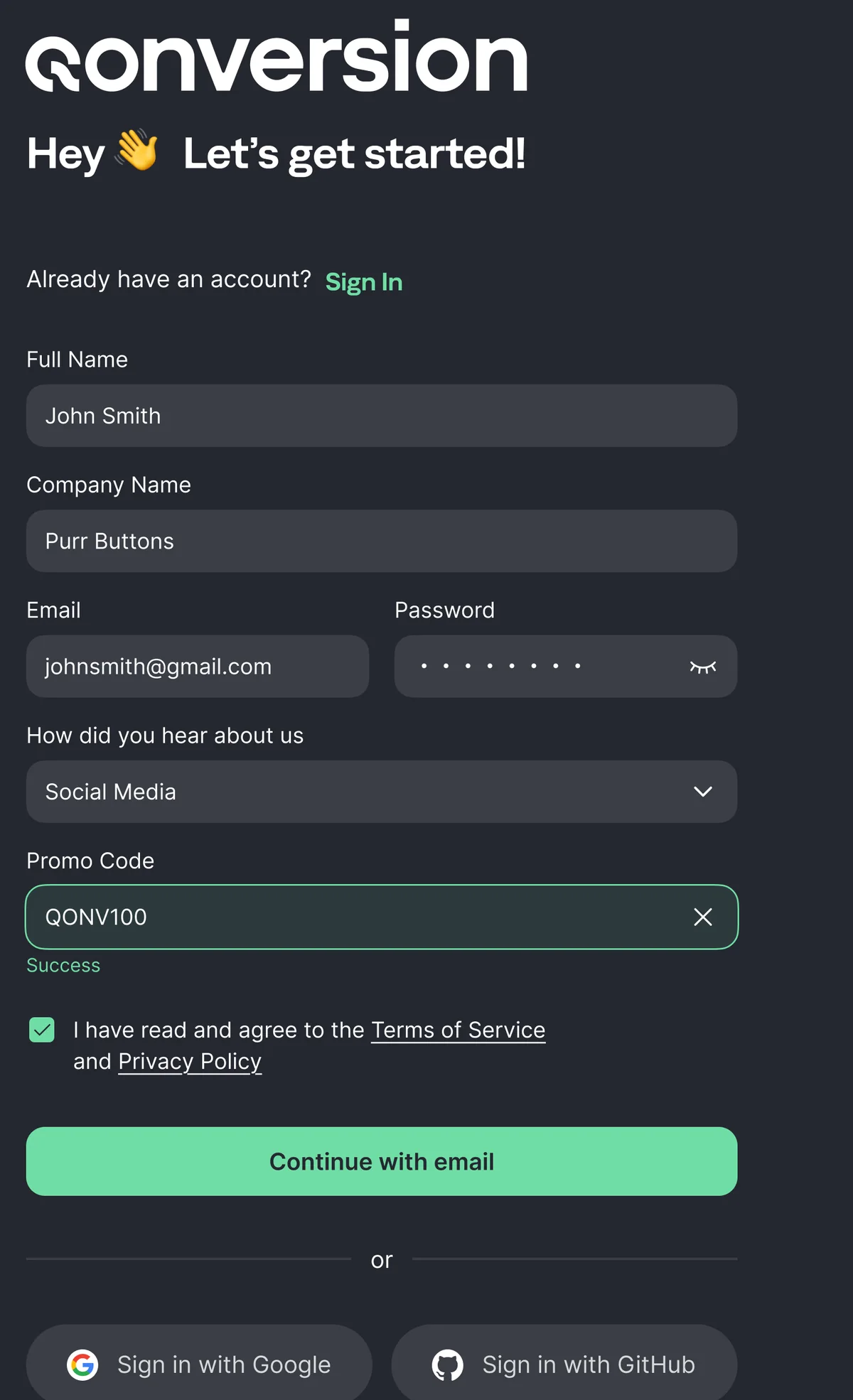
- Sign-up and setup rebuilt — OAuth as a first-class way in, setup asking one thing at a time
- The dashboard was started before the redesign, so it looks different: what matters in it is the logic and the way information is presented
- Role
- Product designer
- Team
- Head of Product
- Deliverables
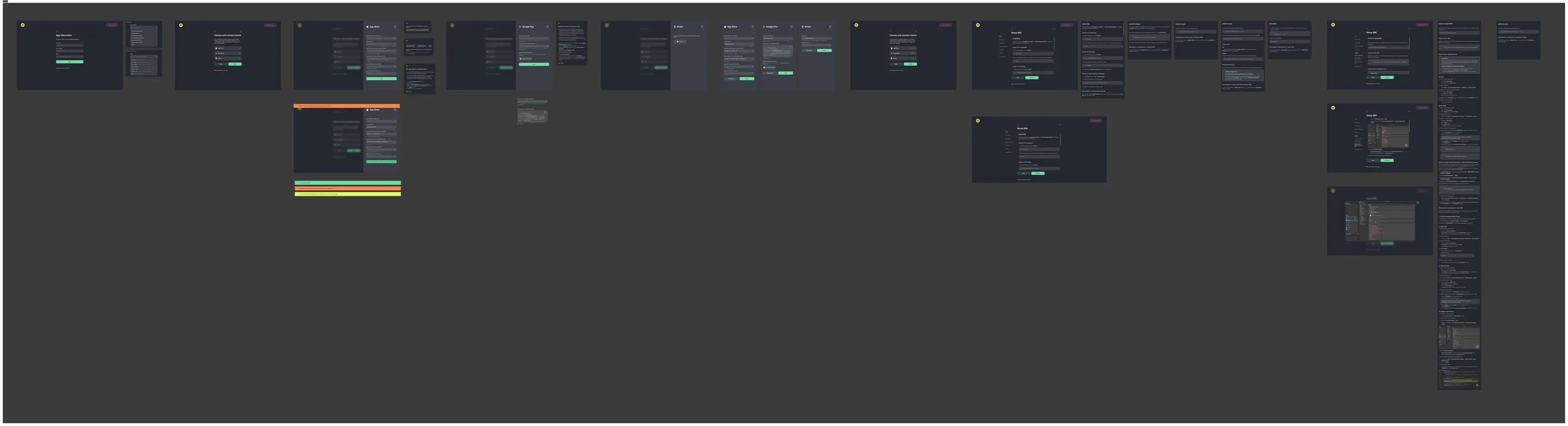
- Competitor research across 4 products, new sign-up and setup flows with full state coverage
The task was to build the onboarding for the No-Code Builder — the path from the first sign-up to the moment the product is fully set up and connected. The existing scenario had two main problem points: email verification, which could stop the user before they even started, and the product setup, where too much had to be done at once.
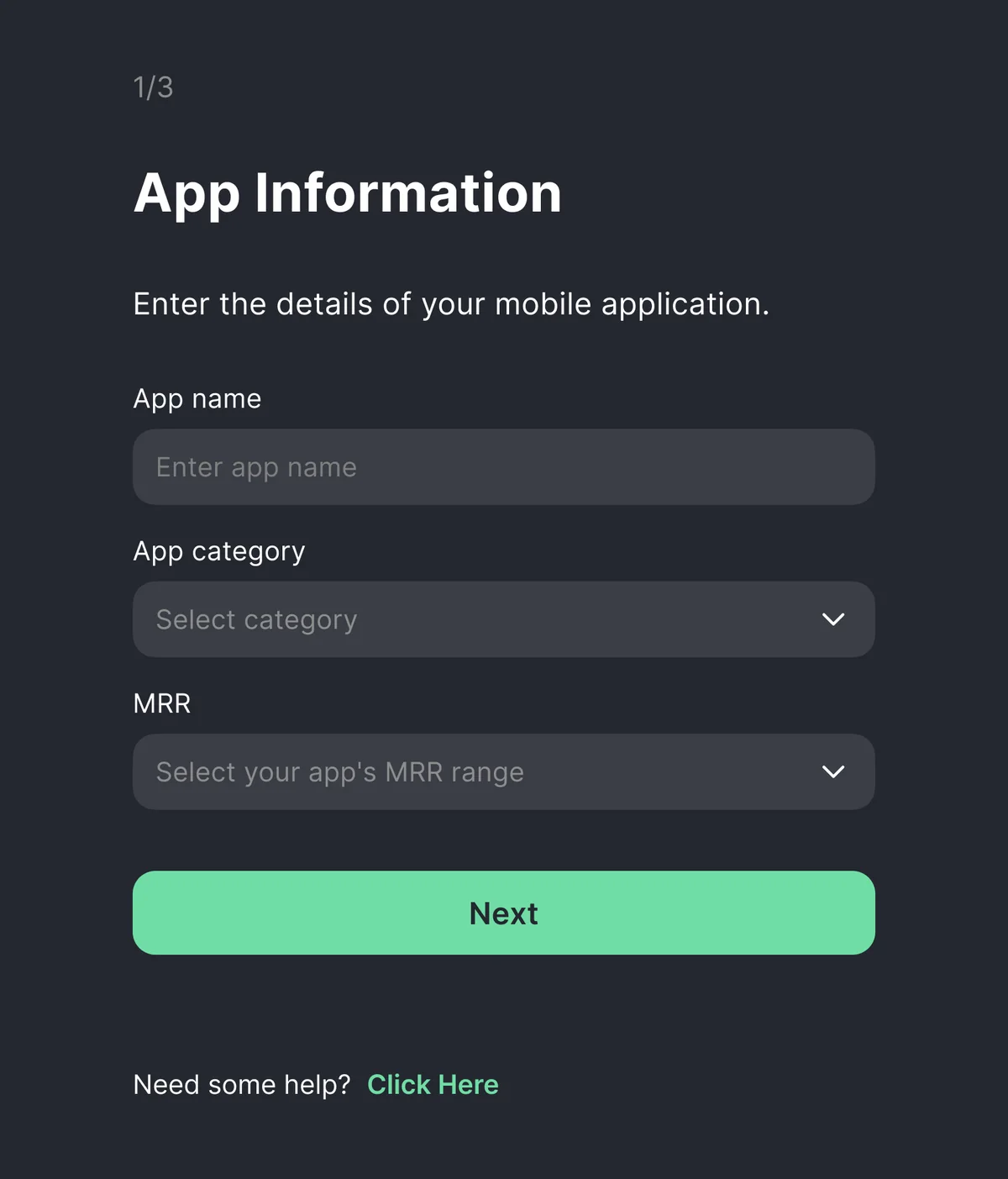
That defined the main principles of the new onboarding. OAuth became a full sign-up method alongside email, so the user is not forced through an extra verification step. I broke the setup into small sequential steps: instead of a large number of fields the user only gets what needs doing at the current stage. And the real goal of the onboarding became not the sign-up itself but connecting the app and installing the SDK — after those steps the user is far more likely to move to paid use of the product.
In parallel I took apart four competing products: Adapty, RevenueCat, AppHud and Purchasely.
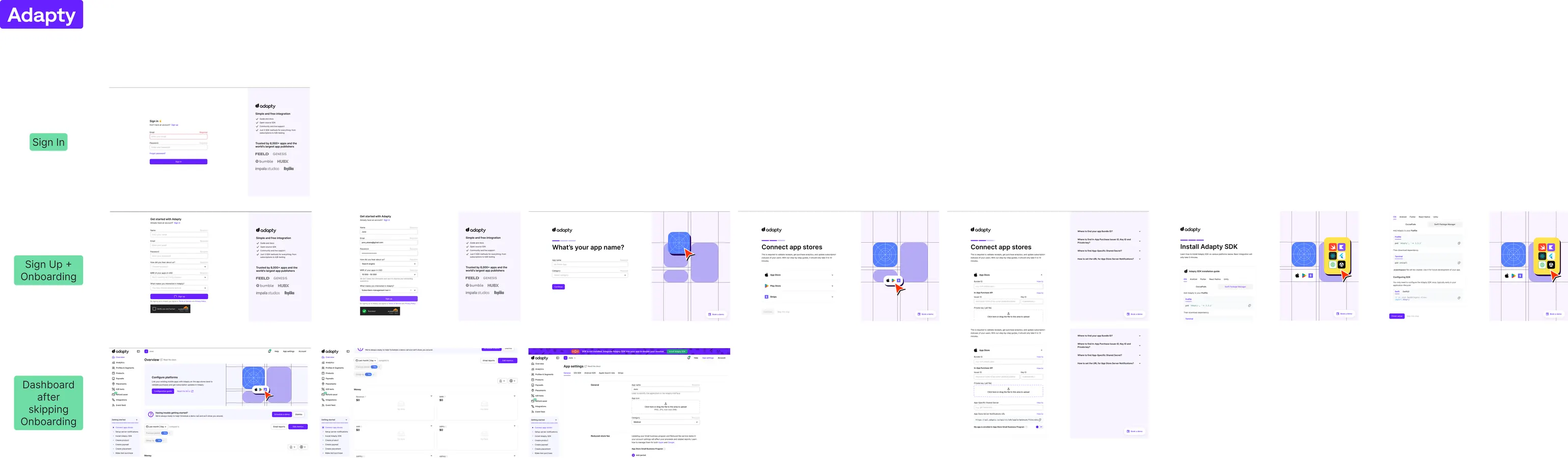
Below are some of the screens from the onboarding flow.
SDK setup

Get in touch
Open to product design roles — remote across Europe and Eurasia, or hybrid in Serbia. The quickest way to reach me is email or Telegram.